

populära inlägg
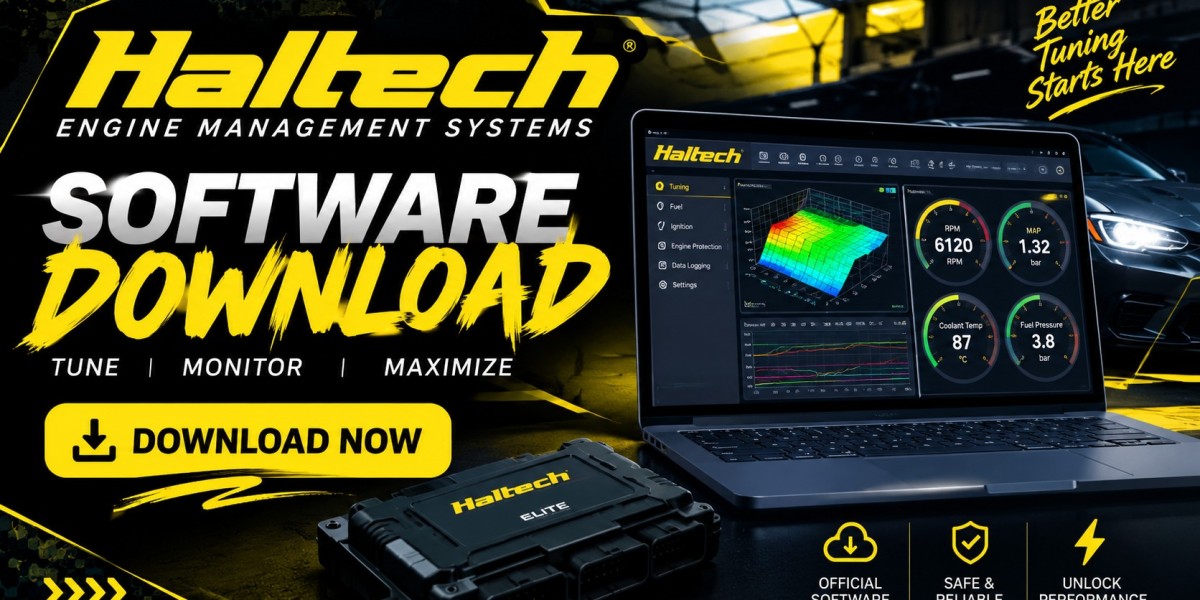
Explore Haltech ECU tuning software NSP, ESP and ECU Manager compared, plus setup, base maps, calibration steps and CAN configuration tips.
Anyone shopping for a Haltech ECU tuning software solution quickly discovers that Haltech software is not a single program, it is a family of related applications, each tied to a specific generation of engine control unit. This article looks at the tuning software from a slightly different angle than a straightforward download guide; it focuses on how the software actually functions once it is installed, how the different packages compare for real tuning work and how to move from a blank ECU to a running base map using Haltech's tools.Whether you are tuning a track car, a drift build, or a daily driven performance vehicle, the quality of your tuning software directly affects how quickly and safely you can dial in fuel delivery, ignition timing, boost control and auxiliary functions like data logging and CAN communication.What Haltech ECU Tuning Software Actually Refers ToWhen people search for Haltech ECU tuning software, they are generally referring to one of the followingNSP the current generation software for Nexus and updated Elite ECUsESP the legacy software for Elite ECUs prior to the NSP transitionECU Manager the interface built for the Platinum seriesEach of these applications performs the same core job reading and writing tuning tables on the ECU, monitoring live sensor data and managing firmware but they differ in interface design, feature set and which hardware they support.Comparing the Three Software Packages for Tuning WorkNSP The Modern StandardNSP is built around speed and usability. Tuners who have used both ESP and NSP consistently point to a noticeably faster connection between laptop and ECU, which matters when you are making rapid table adjustments on a dyno or during a live tuning session. NSP also introduces loop logging, an onboard oscilloscope for signal diagnostics, individual password protection on specific settings (useful when a shop wants to lock certain safetycritical parameters) and a genuinely customizable dashboard with multiple visual themes and adjustable font sizes.ESP Reliable but AgingESP remains a fully capable tuning package and there is nothing wrong with continuing to use it if your ECU has not yet been moved onto NSPcompatible firmware. However, because Haltech's development focus has shifted to NSP, ESP is best thought of as a bridge, the tool you use to perform the firmware update that ultimately lets you move onto NSP itself.ECU Manager Built for PlatinumIf your build uses a Platinum series ECU, ECU Manager is your only option and it remains a strong piece of software in its own right. It supports numeric, 2D and 3D table views, drag and drop gauge layout customization and the ability to email saved tuning pages to another ECU Manager user, a genuinely useful workflow feature when collaborating with a remote tuner.Core Tuning Functions Inside Haltech SoftwareRegardless of which package you are running, the fundamental tuning workflow looks similarFuel Map EditingThe fuel table (or fuel map) is where you define how much fuel the ECU delivers across the full range of engine speed and load. Haltech's software presents this as an editable 3D table and most tuners work from a supplied base map before making incremental adjustments based on wideband oxygen sensor feedback and cylinder specific trim data.Ignition Map EditingThe ignition table controls spark timing across the same RPM and load axes. Because ignition timing has a direct relationship with knock risk, small changes here matter enormously and both NSP and ESP include realtime trim and knock monitoring tools to help you stay on the safe side of detonation while still extracting usable power.Boost Control SetupFor turbocharged applications, Haltech closedloop boost control lets you define target boost curves against RPM, gear,and other conditions, then tune the PIDstyle control loop so the wastegate solenoid responds smoothly rather than overshooting or oscillating.Sensor ConfigurationEvery analog and digital input on the ECU from coolant temperature to a wideband controller to a flex fuel sensor needs to be told what kind of signal it is receiving and how to translate that signal into a usable value. This is one of the more time consuming but essential parts of the initial ECU configuration process and getting it wrong will corrupt every downstream calculation the ECU makes.CAN SetupModern Haltech ECUs communicate over CAN bus with dashboards, data loggers, wideband controllers and even other ECUs in staged or multiengine setups. Configuring CAN correctly inside the tuning software matching baud rates, message IDs and byte order is what allows a digital dash or logging device to actually display the data streaming out of the ECU.Data LoggingBoth NSP and ESP include builtin data logging tools that record every configured channel at a defined sample rate, which you can then review after a run to identify knock events, lean spots in the fuel map, or boost control instability.A Practical Workflow From Blank ECU to Running Base MapDownload and install the correct software package for your ECU generation.Connect the ECU, go online and confirm firmware is current.Load or build a base map appropriate for your engine displacement, injector size and forced induction setup.Configure every sensor input and confirm each one reads a sane value with the engine off and ignition on.Set up CAN communication if you are running a digital dash or external logger.Start the engine on the base map, watching closely for abnormal readings.Begin fine tuning fuel and ignition maps using data logging and live monitoring.Set up boost control once the base fuel and ignition calibration is stable.Save a backup of your tune file after every meaningful session.Hardware That Supports a Better Tuning ExperienceGood software is only as effective as the hardware feeding it clean signals. If your build needs new wiring harnesses to properly integrate a Haltech ECU, or you are shopping for signal conditioners to clean up noisy sensor inputs before they even reach the software, both are worth sourcing from a supplier that stocks genuine Haltech compatible parts. It's also worth checking Haltech new products listings periodically, since Haltech frequently releases updated sensors and accessories that pair directly with the latest NSP feature set.Common Tuning Software Mistakes to AvoidSkipping sensor calibration checks before first startup, which can lead to wildly inaccurate fuel or temperature readings.Copying a base map from a different engine combination without adjusting injector scaling, which can cause dangerously lean conditions.Ignoring firmware version mismatches between the software and the ECU, which can cause tables to display incorrectly or fail to save.Not backing up tune files before making significant changes, leaving no safe fallback if a session goes wrong.Overlooking CAN bus conflicts when adding new devices, which can cause dashboard dropouts or logging gaps.ConclusionHaltech ECU tuning software, whether that means NSP, ESP, or ECU Manager, is the control center for everything your engine management system does. Understanding which package matches your ECU generation, how the core tuning functions like fuel mapping, ignition mapping, boost control, and CAN setup fit together, and following a disciplined workflow from base map to fine-tune will save you time, protect your engine, and get you to a reliable, well calibrated tune faster. To find the ECUs, harnesses, and tuning hardware that pair with this software, explore Arctic Performance Parts.Frequently Asked Question (FAQs) What is the difference between Haltech ECU tuning software and ECU tuning in general? Haltech software is a manufacturer specific application built to interface only with Haltech ECUs, whereas "ECU tuning" broadly describes the process of calibrating any programmable engine management system, regardless of brand.Can I tune boost control without a wideband oxygen sensor connected? You can technically configure boost tables without a wideband sensor connected, but tuning fuel delivery safely alongside boost changes without one is not recommended, since you lose real time confirmation of air fuel ratio.How often should I back up my tune file? After every session where you make meaningful changes and always before applying a firmware update or major software upgrade.Does CAN setup differ between NSP and ECU Manager? Yes. Each package has its own CAN configuration interface tailored to the ECU family it supports, so settings and menu names differ even though the underlying goal is the same.Is it safe to tune ignition timing myself as a beginner?Ignition timing changes carry real risk of engine damage from detonation if done incorrectly. Beginners are strongly encouraged to work from a proven base map, make small incremental changes and monitor knock feedback closely, or work alongside an experienced tuner.
Läs mer
Kommentarer